D2Coding guides
Explore nine D2Coding guides for developers: download and install the font, configure your editor, format code in Word, and troubleshoot mixed-language text.
D2Coding Font Download: Get the Official Files Safely
D2Coding font download walkthrough — where the official files live, what is inside the ZIP and how to avoid fake mirrors.
Read guide
How to Install D2Coding Font on Windows, macOS and Linux
D2Coding installation on every desktop system, with package-manager shortcuts and fixes for fonts that do not appear.
Read guide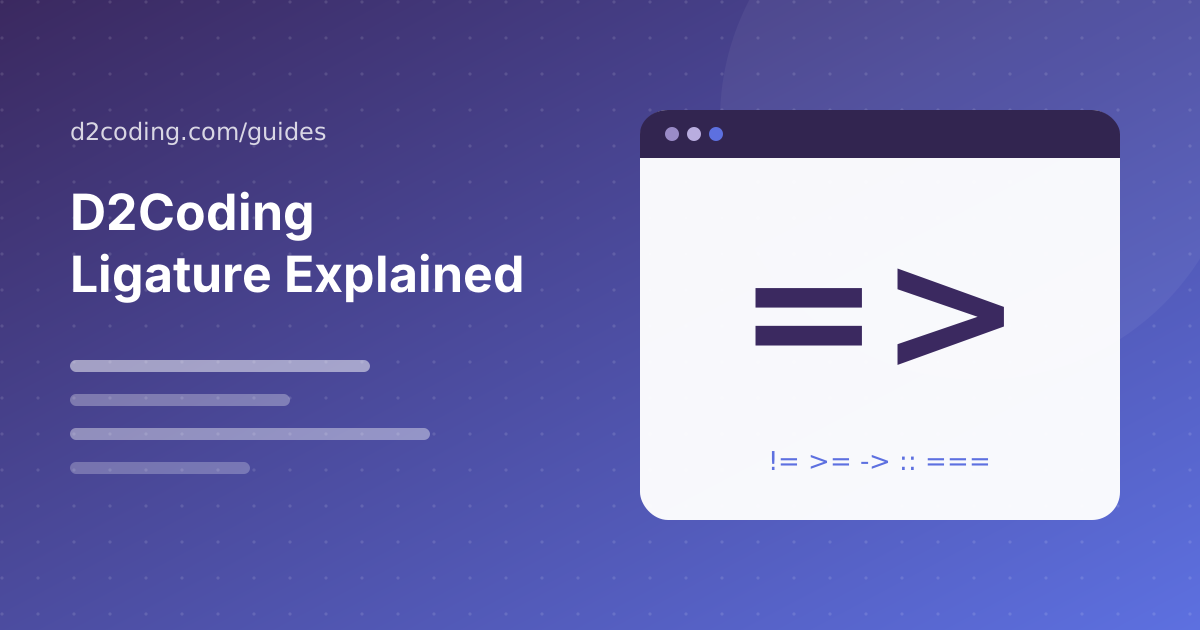
D2Coding Ligature: What It Does and How to Turn It On
D2Coding ligature explained — which operators join, how to enable it in VS Code and JetBrains, and when to leave it off.
Read guide
D2Coding Nerd Font: Patch and Use It in Your Terminal
D2Coding Nerd Font setup — patch the official font with icons for Starship, Oh My Zsh and file explorers.
Read guide
D2Coding vs JetBrains Mono vs Jetendard: Which Coding Font?
JetBrains Mono, Font jetendard and D2Coding compared on readability, Korean support, ligatures and weights.
Read guide
Set Up D2Coding in VS Code, JetBrains IDEs, Vim and Terminals
D2Coding settings for VS Code, IntelliJ, Vim, Windows Terminal and iTerm2, with recommended sizes and line heights.
Read guideD2Coding Font in Word: Format Readable Code and Technical Documents
Use the D2Coding font in Word for code snippets, technical notes, and mixed-language documents, with practical formatting and export checks.
Read guideD2Coding Troubleshooting: Fix Missing Fonts, Fallbacks, and Display Issues
Troubleshoot D2Coding installation, font selection, spacing, ligatures, bold text, and terminal icons with a clear step-by-step diagnosis.
Read guideD2Coding for Korean and English Code: Build a Readable Mixed-Language Setup
Configure D2Coding for Korean and English code, comments, terminals, and technical documents with practical mixed-language readability checks.
Read guide